What is continuous automation testing?
You might ask, what is continuous testing? And why use it? Continuous automation testing is the process of running automated tests continuously throughout the software development lifecycle (SDLC). The goal of continuous testing is to provide feedback to the development team as soon as possible so that they can make necessary changes to the code and fix issues before they become significant problems. Catching issues quickly earlier in the development cycle saves time and reduces costs significantly in the long run.
What are the benefits of continuous automation testing?
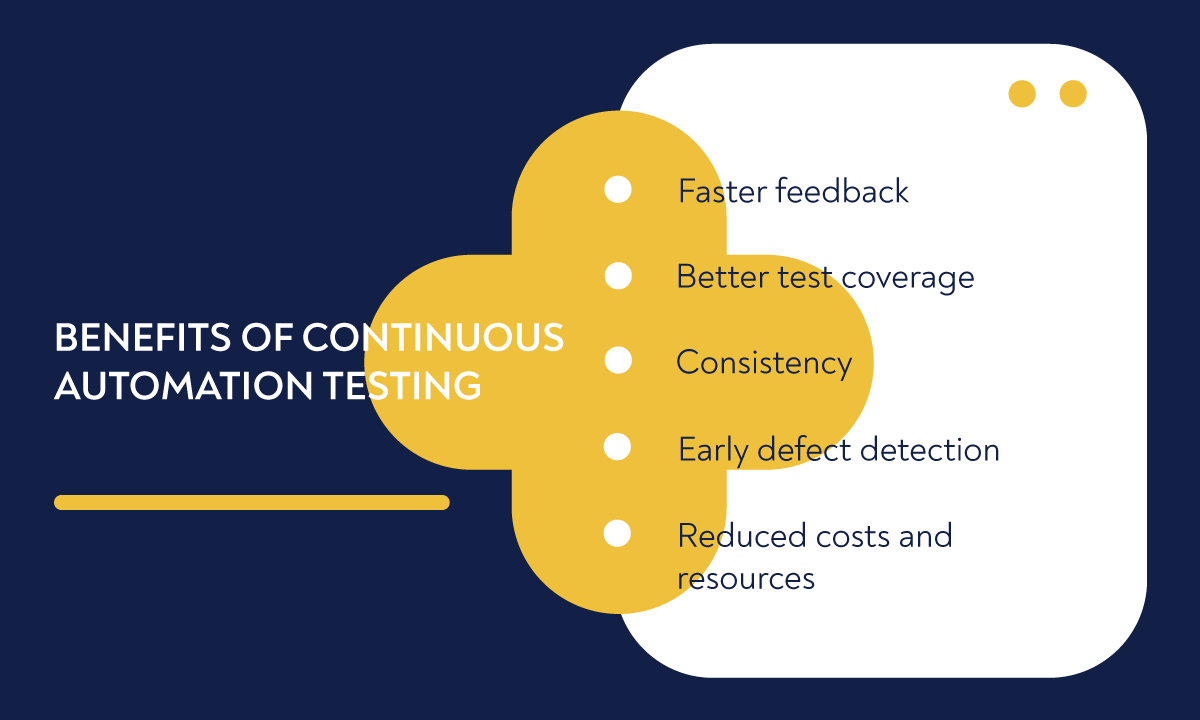
There are several significant benefits of using continuous integration automation testing tools, including:
- Faster feedback: Automated tests provide feedback within minutes, enabling developers to make changes fast and efficiently.
- Better test coverage: With automation testing, you can create comprehensive test suites that cover many scenarios. It reduces the likelihood of bugs slipping through the cracks.
- Consistency: Automated tests eliminate human error, which helps deliver consistent results.
- Early defect detection: As mentioned earlier, with automation testing, you catch the bugs earlier in the development cycle, which helps to fix them before they become a bigger problem.
- Reduced costs and resources: Automation testing helps reduce manual testing costs, which also saves companies a lot of time.
"The earlier you catch defects, the cheaper they are to fix."
David Farley, Software engineering consultant
Top 7 tools for continuous automation testing
To streamline your work and achieve maximum efficiency, you will need to use the best continuous integration automation testing tool for your team. Below is our list of the seven best tools you should try in 2025.
1. aqua
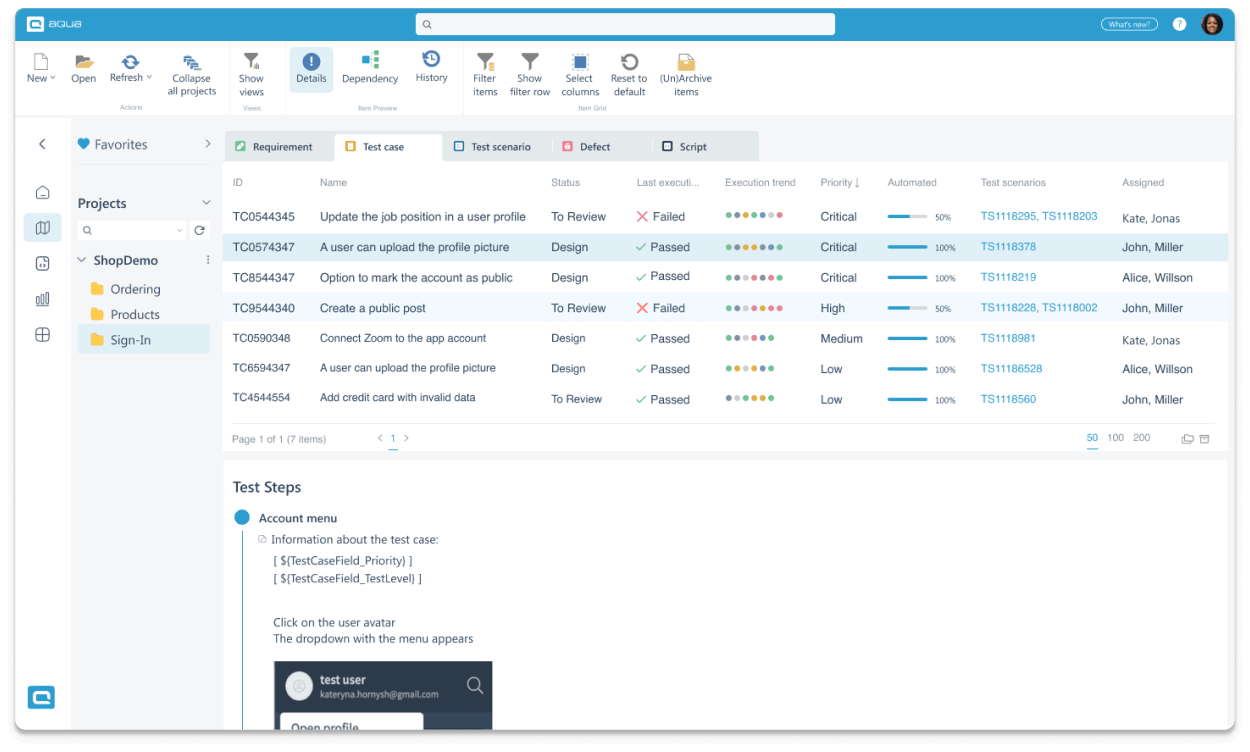
aqua cloud is a test management solution that provides various features to help manage and organise the software testing process. It provides native integrations with third-party automation tools (including Selenium, JMeter, Ranorex, and SoapUI) and REST API to connect any solution.
Although aqua cloud does not offer built-in automated testing capabilities, the platform’s emphasis on integrating third-party tools means that users can access a wide range of automation options, allowing them to choose the best tool for their specific needs.
Pros:
- All-in-one solution: aqua allows you to manage manual and automated tests in the same solution, providing a comprehensive platform for your entire QA process.
- aqua AI: With its unique AI functionality, aqua can automate the creation of manual tests.
- ALM functionality: aqua offers ALM functionality to manage testing and the entire project in the same solution.
Cons:
- Lacking first-party test automation: With aqua, you need third-party software for test automation. This is not a deal breaker
- Slightly older visuals: aqua was designed in the mid-2010s, so you won’t see all the latest UI trends there. However, a gradual redesign effort already started in late 2022.
- A couple of unintuitive UX flows: Some functionality in aqua can feel a bit confusing, but this is improved rapidly based on feedback from a growing community.
If you are looking for a powerful and secure cloud-based platform to manage your continuous automation testing, aqua cloud is your best solution. With aqua, you can easily monitor and deploy your testing tools and quickly analyse the results. Whether you are a small team or a large enterprise, aqua cloud offers flexible pricing plans and robust security features to meet your needs.
Start your free trial today and enjoy smooth, effortless AI test automation
2. Jenkins
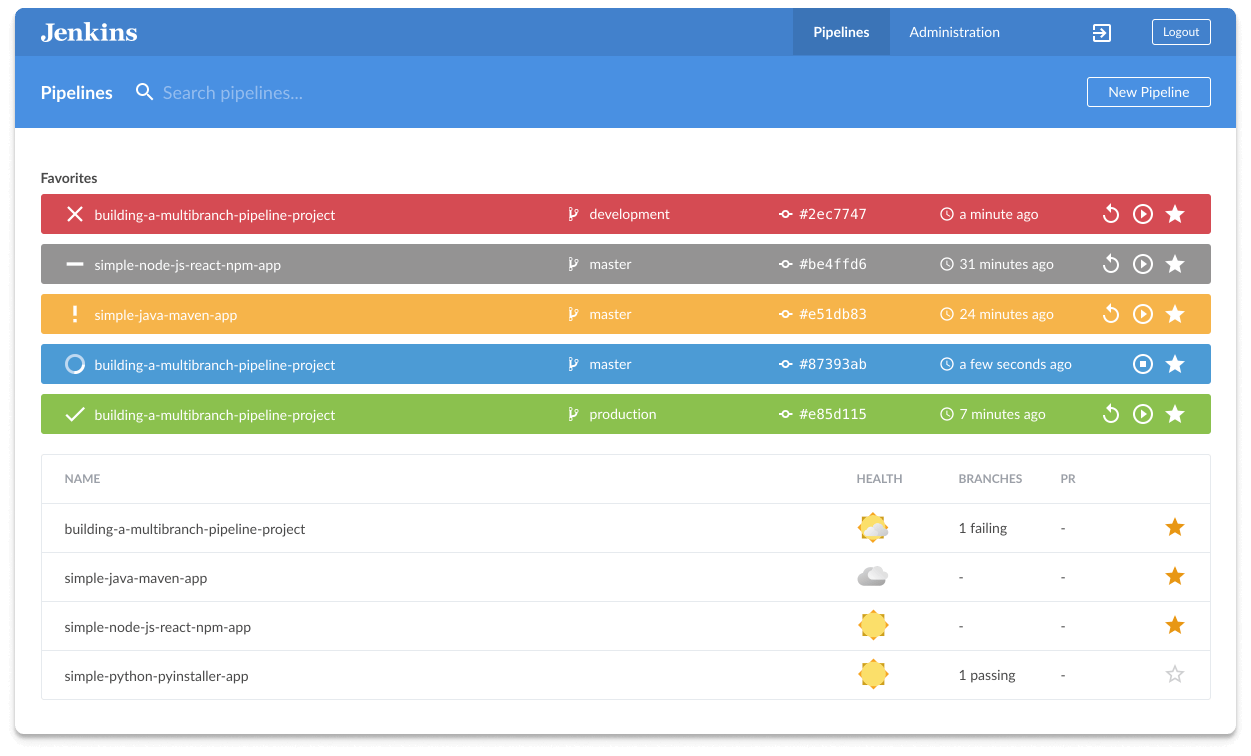
Jenkins is a popular open-source continuous integration tool that automates the software development process. It is a highly customisable and reliable solution for testing, deploying, and building software. Jenkins also offers numerous plugins to boost the development process.
Pros:
- Highly customisable with a wide range of plugins
- Supports various operating systems and platforms
- Offers a centralised dashboard for tracking builds, tests, and deployments
Cons:
- Can be complex to set up and configure initially
- Requires technical knowledge for efficient usage
- Can be resource-intensive, depending on the number and complexity of the jobs being run
3. Appium
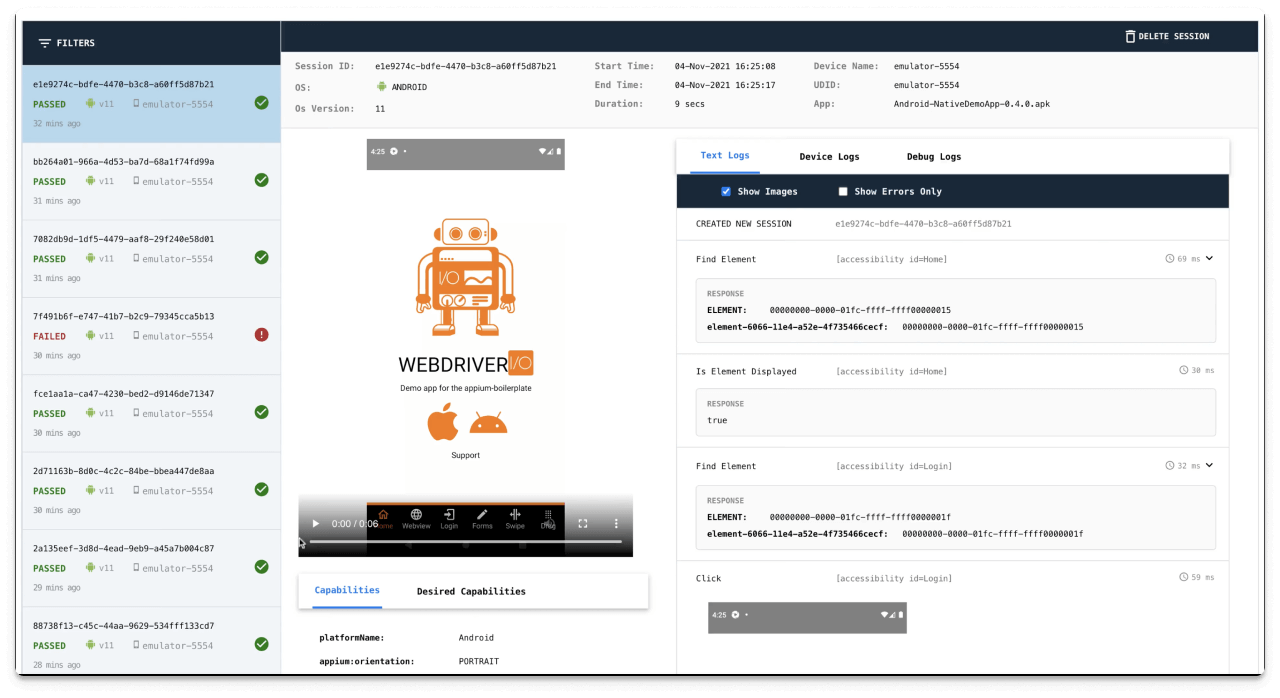
Appium is an open-source tool used primarily for mobile app automation testing. It allows developers to test mobile apps on various platforms, devices, and operation systems.
Pros:
- Supports both Android and IOS for mobile app testing
- Offers cross-platform testing capabilities to avoid redundant QA workload
- Provides support for various programming languages and frameworks
Cons:
- Appium tests require coding
- Slower test execution
- Debugging tests are challenging depending on the complexity of the app
4. Selenium
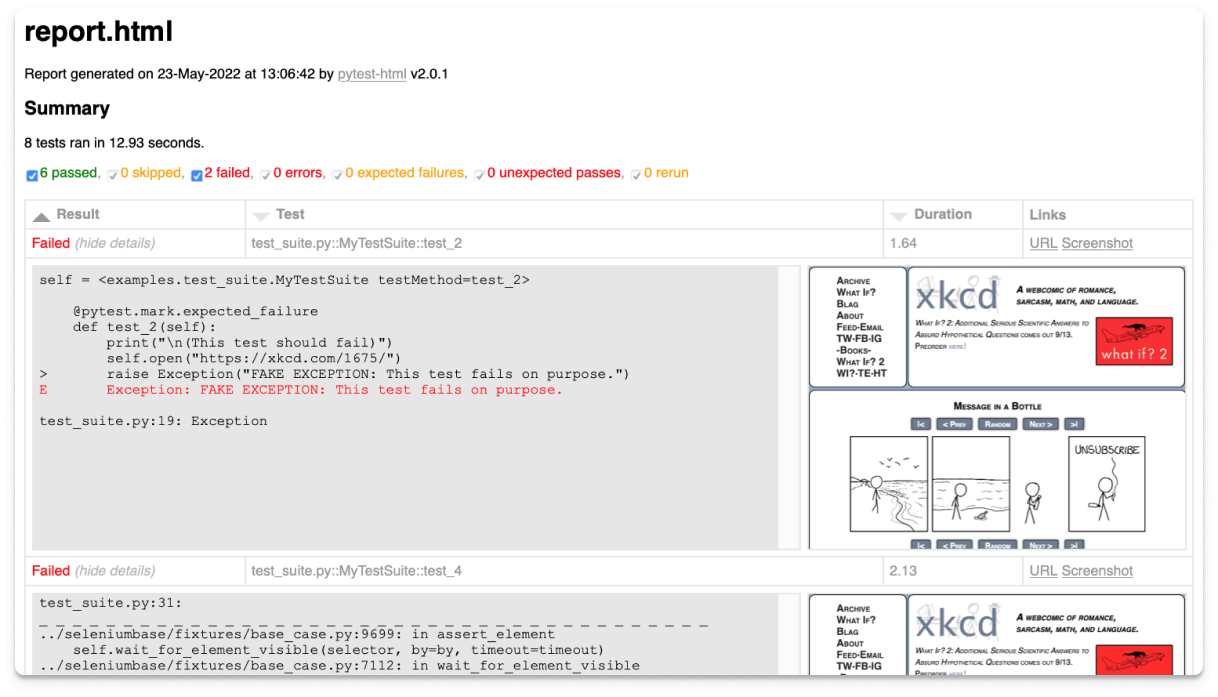
Selenium is an open-source continuous automation testing tool designed to automate web browsers and applications. It supports various programming languages and platforms and offers features like browser automation, mobile testing, and cross-browser testing.
Pros:
- No licensing costs
- Cross-browser and mobile testing capabilities
- Robust automation testing support
Cons:
- The script-based approach leads to slow test development
- Requires regular maintenance to ensure the test environment remains stable
- Limited to only web applications
If you struggle to find the right testing strategy that fits your automation tool, look no further. Our team has developed a comprehensive guide that covers best practices for test planning, execution, and reporting, as well as how to integrate your testing strategy into the development process.
3zbdcc601729bfa1d4e33335cfb5176b61c737a68bafd4b4a38a8ef653a7771392
testing strategy template
Make your best testing strategy with aqua's template
5. TestComplete
TestComplete is a commercial test automation tool for testing web, mobile, and desktop applications. It also supports different programming languages and has features like keyword testing, record and replay, and visual testing.
Pros:
- Supports multiple languages
- Offers support for a wide range of applications, including mobile, web and desktop
- Easy to understand for beginners
Cons:
- Generally designed for bigger companies due to its price
- Requires a license for each user
- Issues when operating with multiple screens
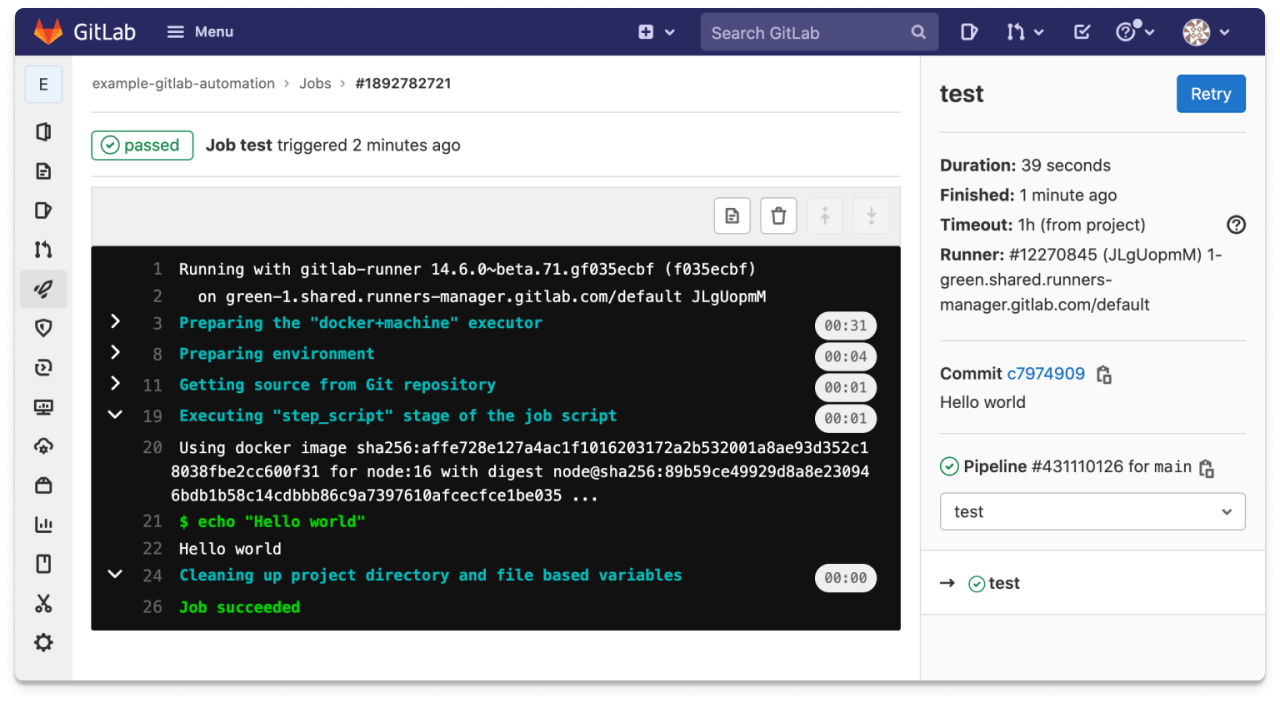
6. GitLab
GitLab is a popular open-source DevOps tool for continuous integration and deployment. It allows testers to automate the testing and deployment of their code, which reduces the likelihood of bugs and speeds up the release process.
Pros:
- A comprehensive suite of tools for DevOps teams
- Supports various programming languages and platforms
- Easy configuration and source code security
Cons:
- Slower interface
- Some advanced features are accessible only in the Ultimate plan
- Resource-intensive for bigger teams or projects
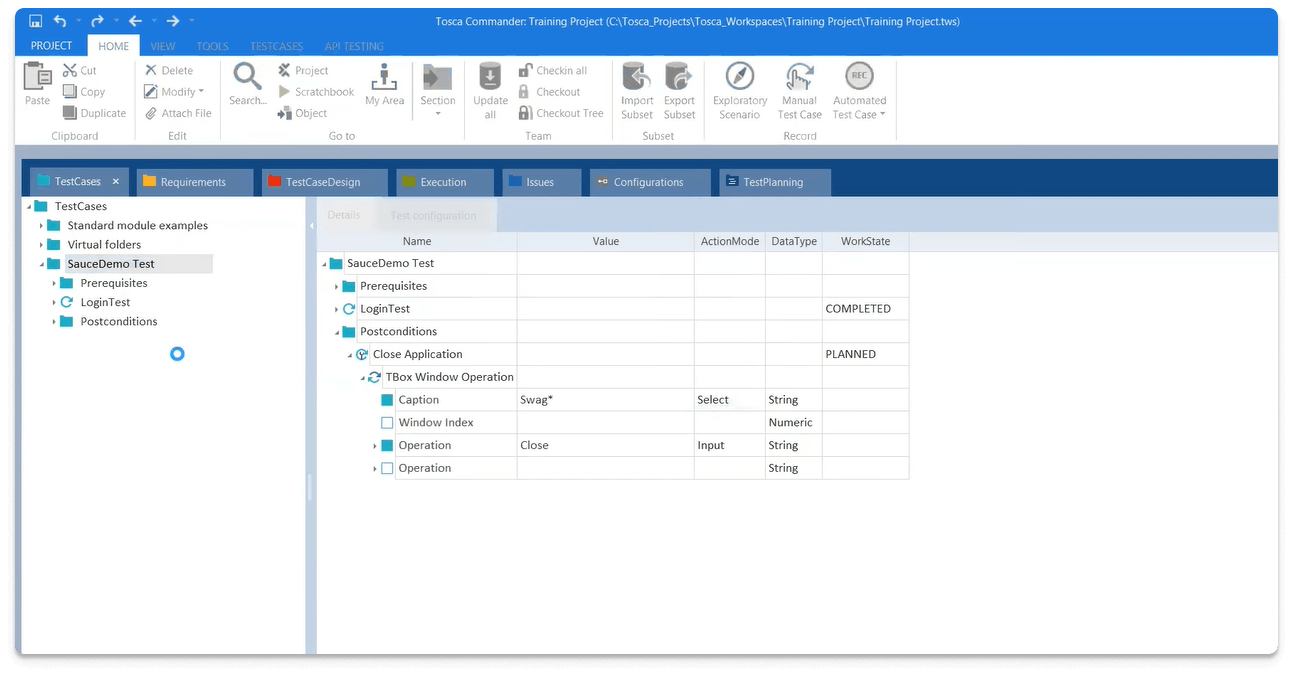
7. Tricentis Tosca
Tricentis Tosca is a commercial test automation tool designed to test various platforms and technologies. You can use its risk-based, exploratory, and API testing features. This continuous automation testing tool is a great choice for regression and responsive testing on software applications.
Pros:
- Comprehensive testing capabilities, including risk-based and exploratory testing
- Robust automation testing capabilities
- Also suitable for manual testing
Cons:
- Too technical for beginners to learn
- Not compatible with some operating systems, including MacOS or Linux
- Not affordable for smaller teams
Conclusion
Continuous automation testing is crucial for companies to deliver high-quality software on time and efficiently. With the tools mentioned above – Selenium, Jenkins, or Appium- developers and testers can automate their QA to save time and money. Choosing the best tool for your team will depend on your budget, project length, needs, and requirements. So why not explore these tools and experience the benefits of these continuous automation tools?
Whether you are looking to run tests at scale or need to analyse test results quickly, you can find what you need in aqua cloud. It is a simple-to-use, centralised, customisable platform to manage your manual and automated testing.
Ready to take your testing to the next level?